One lobby, every format
Slots from JDB, CQ9, FA Chai, Habanero, Red Tiger and Spribe sit in the same list as live roulette, mini baccarat, fishing and crash rounds. Filter by provider, then tap once to launch the game.

One file puts the whole lobby on your Android phone: slots, live tables, fishing and crash rounds in a 52 MB install. Artwork is cached after the first open, so a bus ride on a patchy line still loads. Free, and no store account needed.
bdbegas.apk · 52 MBScan this code with your phone camera to open the same download.
18+ · Play Responsibly
One file, one install. The build below is the current Android package for bdbegas, and it is the same file the QR code on this page points to. Check your Android version before you start, because anything older than 8.0 stops at the installer step.
bdbegas.apk · 52 MB · version 3.9.2 · free
| Item | Detail |
|---|---|
| File name | bdbegas.apk |
| Version | 3.9.2 |
| File size | 52 MB |
| Minimum Android | 8.0 |
| Last updated | 12 November 2026 |
| Price | Free |
| Language | English / Bangla |
| iPhone users | No APK install. Use the Safari home screen route below |
After the first launch the app caches game artwork, which is why later sessions open faster and use less data. Leave a little free storage on the phone for that cache. If you are new to the site, create the account first through bdbegas register, then log in inside the app with the same details.
The APK on this page is the build we publish. Links passed around in messaging apps can carry a modified copy with the same name. Before you tap install, check the file name (bdbegas.apk) and the size (52 MB).
Storage lets the installer unpack the 52 MB package and keep cached game art on the phone. Network access loads the lobby, your balance and live tables. No other part of the phone is opened by the app.
No contacts, no SMS reader, no call log, no photo library. Your bKash or Nagad one-time code arrives as an ordinary message and you type it into the wallet yourself, so the app never sees it.
Android flags any file that did not come from Play. That message is about the source, not a virus verdict. Read the file name once more, then choose More details and install. Nothing is sent anywhere until you open the app.
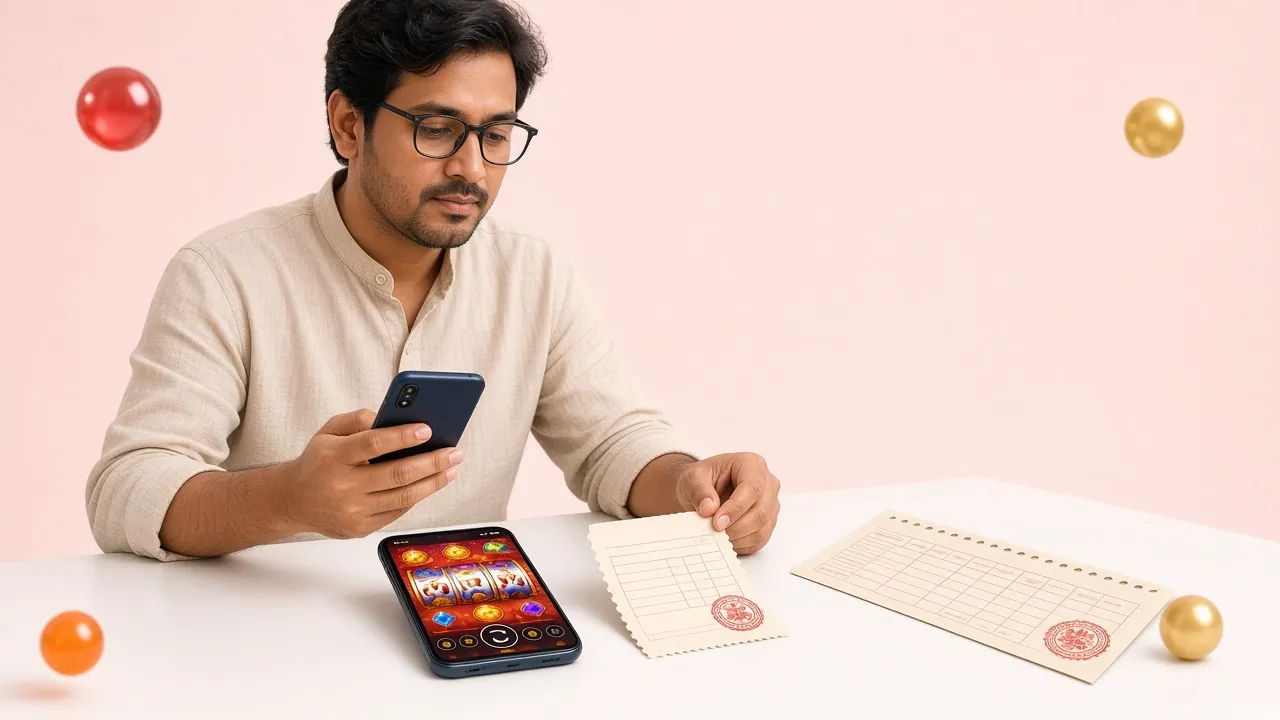
The app is the same account and the same cashier as the website, arranged for a small screen and a slow connection.
Slots from JDB, CQ9, FA Chai, Habanero, Red Tiger and Spribe sit in the same list as live roulette, mini baccarat, fishing and crash rounds. Filter by provider, then tap once to launch the game.
The cashier shows your cash balance and bonus balance separately. The 130% first deposit bonus of up to ৳7,500 clears at 25× wagering, so you can always see how much of the requirement is left.
Deposits through bKash, Nagad, Rocket, Upay or bank transfer usually land in about 4 minutes. Withdrawals average 19 minutes once KYC is done. The minimum deposit is ৳350 and the minimum withdrawal is ৳600.
The menu switches the interface between English and Bangla. Game names stay in English, while cashier labels, bonus terms and the support chat follow whichever language you have picked. The choice is saved for next time.
Live chat runs 24/7 from a button inside the app. Ask about a deposit that has not shown up, a withdrawal sitting in review, or a KYC document that was rejected. Keep your transaction ID ready to speed it up.
After the first load the app keeps artwork and lobby data on the phone instead of fetching it again. On mobile data a quick session costs far less than reloading the full browser page each time.
Bets here start as low as ৳1, so a session does not need a big balance. Cricket fans who follow the IPL can read the IPL betting guide while the app stays open in the background. The full game list sits in the bdbegas casino section.
Both routes reach the same account, the same bonus and the same cashier. What changes is how much the phone has to fetch each time you open it, and whether anything stays installed afterwards.
| What you are doing | In the bdbegas app | In the phone browser |
|---|---|---|
| Opening the lobby | Artwork already cached, ready in a few seconds | Full page load on every visit |
| Data used per session | Lower after the first download | Higher, because artwork reloads |
| Signing in | Stays signed in on your own phone | Username and password each time |
| Deposits and withdrawals | Same cashier, same limits | Same cashier, same limits |
| First deposit bonus | Claimed inside the cashier | Claimed inside the cashier |
| Space on the phone | 52 MB plus cached game art | Nothing installed |
| Updates | You install each new APK yourself | Nothing to update |
| iPhone | Not available | Works, with Add to Home Screen |
If you play twice a week or more, the app saves time and data on every visit. If you usually log in from a friend's phone or a cyber café, the browser is the cleaner choice, because nothing is left installed and nothing has to be updated. Both routes use the same login, so you can switch whenever you like.
Allow the source, download, install, sign in. The whole thing takes about three minutes on a steady connection, and the permission you switch on in step one can be turned off again afterwards.
Open Settings, then Apps, then Special access, then Install unknown apps. Pick the browser you will download with and switch on Allow from this source. On older phones the same toggle sits under Security.
Tap the Download APK button on this page. Chrome may show a warning about this type of file; choose Download anyway. The bar runs to 52 MB, so on mobile data give it a minute or two.
Pull down the notification shade and tap bdbegas.apk, or open Downloads in your file manager. Android lists the permissions once. Read them, then tap Install and let the package unpack.
If the scan screen appears, tap More details, then Install anyway. That check is Android asking whether you trust the source. Do not use the remove option unless you actually want the file deleted.
Open the app and log in with your account, or create one through bdbegas register if you are new. Send a small bKash deposit of ৳350 first to confirm the cashier works before you settle in to play.
Open Safari rather than Chrome and go to bdbegas.org. Sign in first if you want the saved session.
The Share button sits in the middle of the bottom toolbar on iPhone, or near the address bar on iPad.
Scroll the share sheet, choose Add to Home Screen, name the shortcut bdbegas and confirm with Add.
The icon opens the lobby full screen without browser bars. It behaves like an app, but updates itself, so there is nothing to reinstall.
Almost every failed install comes down to one of these five. Work down the list before you delete anything, because your account and balance live on the server and are never affected by reinstalling.
| What you see | Why it happens | What to do |
|---|---|---|
| Install blocked | The browser you downloaded with is not allowed to install apps. | Go to Settings, Apps, Special access, Install unknown apps, and switch the permission on for that browser. Then tap the notification again. |
| Parse error | The file stopped partway and is not a complete APK. | Delete the partial file, check you have free storage, and download again from this page over Wi-Fi. A complete build is 52 MB. |
| App not installed | An older copy of the app is already on the phone, or storage is full. | Uninstall the old bdbegas app first and note your login details, then install the new build. Clear a little space for the cache as well. |
| Opens, then closes | Android is older than 8.0, or a battery saver is stopping it. | Check the Android version under Settings, About phone. Turn off battery optimisation for the app, then open it again from the home screen. |
| Download stops partway | The connection dropped, or the browser lost focus in the background. | Use a steady Wi-Fi link and keep the browser on screen. If it keeps failing, download on a laptop and move bdbegas.apk to the phone with a cable. |
Everything above comes down to one file. Install it, log in with the account you already have, and the lobby is on your phone for the next bus ride.